These days, every business is asking for Google reviews - but how do you make sure yours actually get written? ⭐
Positive online reviews are powerful. In fact, customers are 4x more likely to buy from a business with positive reviews. They build trust, boost your local SEO and help you stand out from the competition. But the challenge is clear: with so many businesses requesting feedback, how do you encourage your clients to actually leave a review?
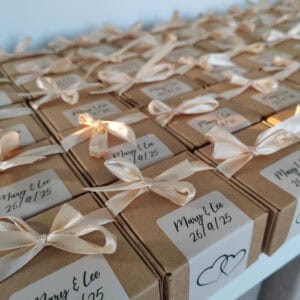
Well, some of our clever customers have found the sweetest solution… sending BakeBox Gifts to thank clients while giving them a gentle nudge to leave a Google review too! 💌
The Secret to More Google Reviews: Thoughtful Gifting
Instead of sending yet another email reminder, imagine this…
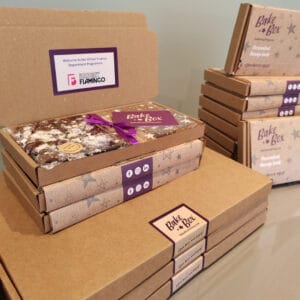
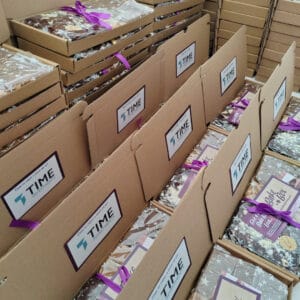
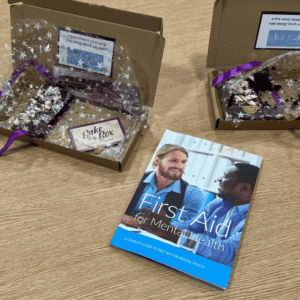
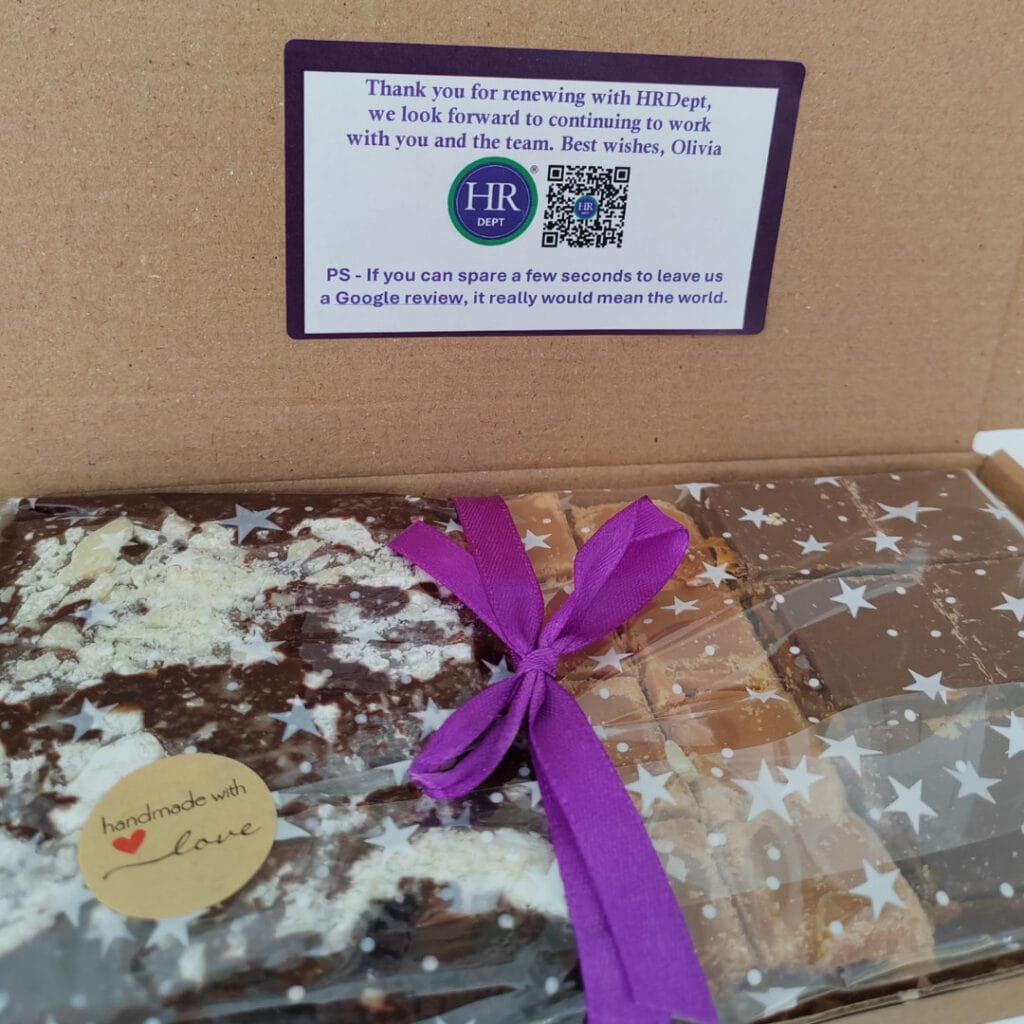
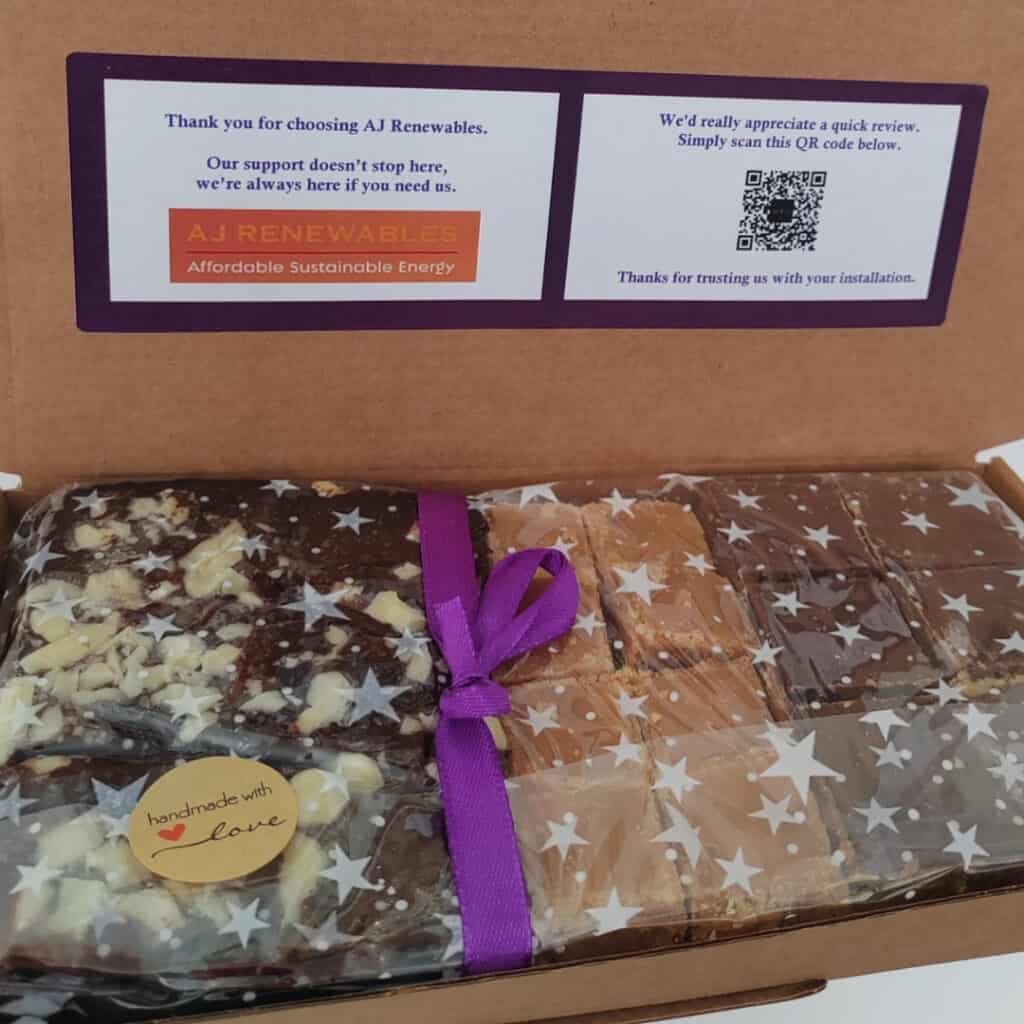
Your client receives a beautifully packaged BakeBox Gift through their letterbox. Inside, they find indulgent treats:
🍫 Triple Chocolate Brownies
💜 Luxury Scottish Tablet
✨ Creamy Caramel Shortcake
And alongside those treats? A personalised message from you, your logo, and a QR code that links directly to your Google Reviews page.
Effortless, impactful, and impossible to ignore. It’s not just another request for a review – it’s a warm, thoughtful gesture that leaves a lasting impression.
Real Businesses, Real Results
Businesses including The HR Department and AJ Renewables have already used BakeBox Gifts with review QR codes – and they’ve seen fantastic results. Clients feel appreciated, and reviews flow in naturally.
It’s proof that when you combine a sweet thank-you with a simple call to action, you get more than just happy clients… you get glowing feedback too.
Get Your Google Reviews QR Code
Here’s how to generate your own QR code:
✅ Search for your business on Google.
✅ On your Business Profile click Read Reviews.
✅ Click Get More Reviews.
✅ Save the QR code image that appears (and keep the URL handy too).
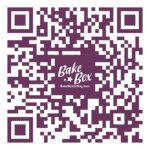
Want your QR code to match your branding?
Just like this one!
Use a free tool like QR Code Monkey to create a version in your brand colours and even add your logo.
Next Steps: Add Your QR Code to your BakeBox Gifts
Once you’ve got your QR code ready, simply send us YOUR:
💜 QR image
🌟 Logo
💌 Thank you message
📝 Recipient list with addresses
We’ll do the rest! Many of our clients order these regularly throughout the year. We can keep your branding and messaging on file, so you only need to send updated recipient details when you’re ready.
And if your sending to lots of people our handy bulk order spreadsheet makes it simple…
📩 Ready to boost your reviews?
Get in touch today and let’s create your branded BakeBox Gifts with your Google Reviews QR code.
✨ Email jennifer@bakeboxgifting.com
💜💌🍫